 Action
Fit check
Is Type King worth it for you?
We tell you who should skip it, too.
Play it if you…
Good fit- Typing-game players who want platform-jumping challenges alongside keyboard tests
- Co-op pairs who want to divide typing and jumping between two players
- Players seeking short structured challenges across multiple difficulty levels
Skip it if you…
Saves you a refund- Players seeking a broad adventure may find 15 levels too limited in scope
- Players who prefer relaxed or low-pressure play may find the Hard difficulty demanding
- Players looking for combat, exploration, or character progression will not find those as the central structure
Our take on Type King
Rather than separating keyboard practice from platforming, the game makes both inputs part of the same challenge. Its co-op mode also assigns each player a different half of the task, replacing the usual solo control scheme with coordinated typing and jumping.
What is Type King?
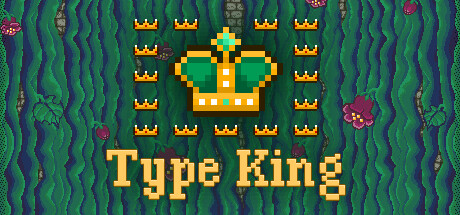
Type King combines typing and jumping across 15 levels divided into states, each led by a governor in a tower.
It offers three modes: separate jumping, separate typing, and a combined mode. Typing stages require speed and accuracy, while jumping stages focus on movement challenges. The combined mode includes two single-player variants, using one hand for typing and the other for jumping, plus cooperative multiplayer in which one player types while the other jumps. Easy, Normal, and Hard difficulties are available. Easy and Normal checkpoints provide codes for resuming progress, while Hard removes those codes. The game supports QWERTY, AZERTY, QWERTZ, and DVORAK layouts, and includes an easy-to-read font option.
How Type King plays
- 01Combined Gameplay
- Single-player variants assign typing and jumping to different hands, while cooperative multiplayer divides those tasks between two players.
- 02Three Difficulty Levels
- Jumping, typing, and combined modes each offer Easy, Normal, and Hard settings.
- 03Progress Codes
- Checkpoint codes in Easy and Normal let players resume from saved points through the menu.
- 04Keyboard Layouts
- The game supports QWERTY, AZERTY, QWERTZ, and DVORAK layouts.
- 05Readable Font Option
- An alternate font setting is provided for easier reading.
Games like Type King
Action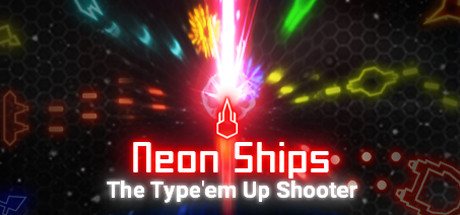 Action
Neon Ships: The Type'em Up Shooter
Sensen GamesFor:Shoot'em up players who want typing to be part of combatSkip if:Players seeking a long campaign may find the structure limited to 3 waves and bosses.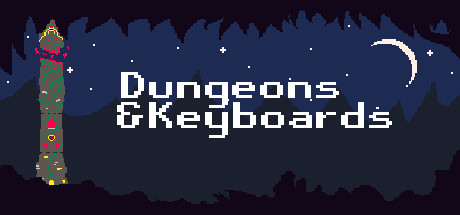 Action
Dungeons & Keyboards
CorgiboxFor:Typing-game players who want combat driven by entering words rather than matching notes to musicSkip if:Players seeking varied combat controls may find the repeated word-typing attacks narrow in scope.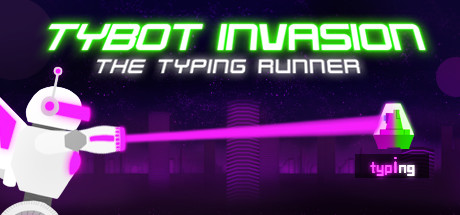 Action
Tybot Invasion: The Typing Runner
Sensen GamesFor:Typing-game fans who want word entry to drive combatSkip if:Players seeking a campaign with extensive exploration or customizationPicked by overlapping fit notes and genres, not an editorial comparison.
Type King: platforms & release
Is Type King worth it?
It is worth it if: typing-game players who want platform-jumping challenges alongside keyboard tests. Skip it if: players seeking a broad adventure may find 15 levels too limited in scope.
Where can I download Type King?
Use the Download Now button on this page: it opens Type King's store page, where you can choose how to get it.
What platforms is Type King on?
Windows only.